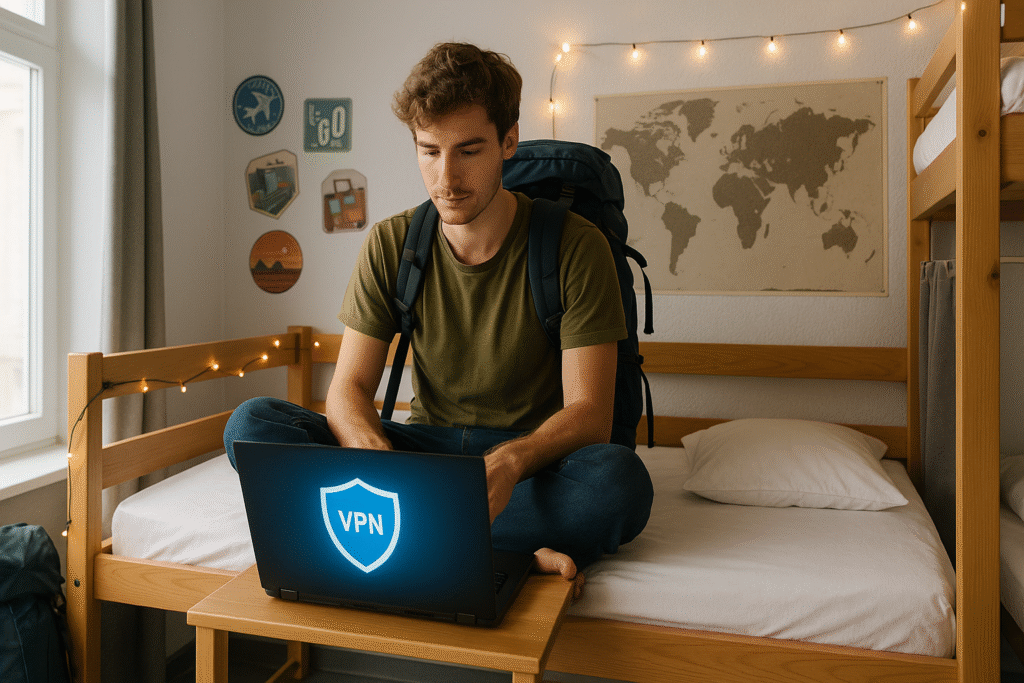
Here’s the rule that would’ve saved me a scare in Milan: use it on WiFi you don’t control if you’re doing anything sensitive. Skip it on your own mobile data. That’s most of what you need to know — the rest is edge cases.
I almost got phished at a cafe there anyway — not because I was careless, but because nobody had ever laid that rule out for me. I had a VPN installed. I just never turned it on consistently, because no article I’d read explained when a VPN for travel actually matters instead of just telling me to “always use one.”
That’s the gap in most VPN articles — they’re either a fear piece or a thinly veiled affiliate list. A VPN is one piece of the broader smart travel upgrades stack, and knowing when to use it is the whole game.
Last updated: June 2026. This post contains one affiliate link (NordVPN). ExpressVPN is mentioned editorially. I only recommend tools I’ve personally used. All opinions are my own. Affiliate Disclosure.
Table of Contents
- The Two Real Contenders: NordVPN vs ExpressVPN
- What Does $60/Year Actually Mean?
- Already Have One? When to Use It
- The Connectivity Stack
- SE Asia and VPN Legality
- Frequently Asked Questions
The Two Real Contenders: NordVPN vs ExpressVPN
Once you know you’ll actually use one, the choice comes down to two names worth taking seriously. Both include three features worth knowing about, and they’re not just spec-sheet filler. If the VPN drops mid-session, a kill switch is what stops your real IP from leaking out unprotected — critical if you’re mid-banking transaction when it happens. Neither service logs your browsing activity, so there’s nothing to hand over even if they were compelled to. And split tunneling means you can secure your banking app without dragging your video call through the VPN too — one connection stays protected, the other stays fast.
ExpressVPN is genuinely excellent if streaming consistency or a cleaner mobile UI is your main priority — but you’re paying roughly 40–60% more for a difference most travelers won’t notice day-to-day. If you do a lot of work calls on variable WiFi instead, Nord’s NordLynx protocol handles weak connections better in my experience.
| NordVPN | ExpressVPN | |
|---|---|---|
| Best for | Value + weak WiFi performance | Streaming + cleanest mobile UI |
| Price (2-year plan) | ~$50/year | ~40–60% more |
| Devices | 10 | — |
One thing neither table nor review makes clear: setup time matters more than you’d think when you’re rushing to catch a train and need to connect quickly. ExpressVPN’s one-tap connect is genuinely faster to get running — Nord requires one extra tap to select a server on first use. If you’re the kind of person who forgets to turn it on, ExpressVPN’s friction is slightly lower. If you care more about value and performance once it’s running, Nord wins.
Between the two, Nord is the one I’d point most independent travelers to first:
NordVPN — Best Value for Independent Travelers
10 devices, NordLynx protocol, kill switch, no-logs, split tunneling. Roughly $50/year on a 2-year plan — handles weak hostel WiFi better than most competitors.
What Does $60/Year Actually Mean?
Once you’ve decided a VPN belongs in the kit, the next question is whether it’s actually good value.
A 2-year NordVPN plan works out to roughly $4–5/month. Against a daily travel budget of even $60–80, that’s rounding error. Against the cost of one fraudulent transaction, one compromised work account, or one bank lockout mid-trip — it’s obviously worth it. See current NordVPN pricing (paid link) if you want to compare plans.
The better question isn’t whether $60 is worth it. It’s whether you’ll actually use it consistently enough to get the value. If you spend 80% of your trip on mobile data and only hit cafe WiFi occasionally, you might actively use it three or four times a month. That’s still fine — those moments are exactly the ones that matter.
Already Have One? When to Use It
This is the section no other article covers. A lot of people end up using a VPN while traveling inconsistently — you switched it on once in a Bangkok hostel, forgot about it for two weeks, then wondered afterwards whether you should have been running it the whole time. Here’s the simple rule that removes the guesswork:
| What you’re about to do | Turn it on? |
|---|---|
| Log into banking or financial apps | Yes — always — highest-value target on any shared network |
| Work tools on hotel or cafe WiFi (Zoom, email, Slack) | Yes — you don’t know who else is on that router |
| Airport or train station WiFi — anything | Yes — high-risk environment |
| Streaming from a hostel or hotel network | Optional — use home-country server |
| Browsing, maps, social media on hotel WiFi | Optional — low risk but no harm |
| Anything on mobile data (eSIM or local SIM) | Leave it off — cellular data is encrypted at the carrier level; save the battery |
| Booking flights or hotels (price hunting) | Try it — different server locations can surface different pricing |
| Entering a country with internet restrictions | Yes — set up and test before you land |
The mental shortcut: on WiFi you don’t control + doing anything sensitive = turn it on. On your own mobile data = leave it off. That rule covers 90% of situations.
The Connectivity Stack
Once you know when to use a VPN, it’s easier to see where it actually fits into the rest of your setup.
A VPN is one piece of a travel connectivity setup, not a standalone solution. The full picture of how to stay connected while traveling long-term comes down to three pieces working together. Your eSIM — or a physical travel SIM card if your phone doesn’t support eSIM — does the heavy lifting day-to-day, no VPN needed once you’re on mobile data. The VPN’s job is narrower: shared WiFi, banking sessions, restricted-internet countries — the gaps mobile data can’t cover. And the more reliable your connection, the less often the VPN even needs to switch on — a no-fee travel card just makes both cheaper to run by earning points on the subscriptions. If you’re building this from scratch, the eSIM guide and the best credit card travel abroad post are the next two reads.
SE Asia and VPN Legality
Thailand, Vietnam, and Indonesia don’t restrict VPN use for travelers — you’re fine. China and the UAE are different. China actively blocks most commercial VPNs, and the UAE permits VPN use but restricts certain content categories. If China is on your itinerary, set up and test your VPN before you land — NordVPN’s obfuscated servers handle the Great Firewall better than most, but performance isn’t guaranteed and enforcement varies. Check current NordVPN server availability (paid link) before you leave. Always check current status closer to your trip date.
Pricing correct as of 2025–2026.
Frequently Asked Questions
The best VPN for travel depends on your priorities — but for most independent backpackers, NordVPN is the strongest all-around pick. It delivers solid performance on weak connections, broad server coverage in SE Asia and Europe, up to 10 devices, and the best value at around $50–60/year. ExpressVPN is excellent for streaming and has a cleaner mobile UI, but costs noticeably more. Either is a better choice than free or lesser-known alternatives. If you want the one I’d default to:
Check NordVPN Pricing (paid link)Bottom Line
Most independent backpackers should carry a VPN for travel — not out of paranoia, but because the moments it actually matters happen often enough on a long trip to make the annual cost worth it.
If you’re starting fresh: the stack is a VPN, an eSIM for primary data, and a no-fee travel card. NordVPN on a 2-year plan is the one I actually run:
Check NordVPN Pricing (paid link)The real shift: use it deliberately, not constantly. Mobile data doesn’t need it. A cafe network before you check your bank does. Once you know the rule, you stop worrying about it.
I’ve personally used both NordVPN and ExpressVPN across multiple long-term trips — these recommendations reflect real use, not spec-sheet comparisons. A VPN is one layer of travel security, not a substitute for basic precautions: use your bank’s official app instead of browser logins where possible, and keep your device’s OS and apps updated. Only buy what your trip actually needs.